
Dosco TekDosco Tek
Tarifs
ConnexionCommencer

The CompanyOS

  • Multiplayer AI
  • L’entreprise sous forme de code
  • Sovereign and open
  • Outcomes, 24/7

Building blocks

  • Agents
  • Skills
  • Apps
  • Drive
  • Connecteurs
  • Automatisations
  • Computers
  • Models

Use it from

  • Desktop
  • Mobile
  • Slack
  • Microsoft Teams

Run it

  • Sécurité
  • Enterprise
  • Compliance

Learn

  • Guide
  • Case studies

Get Dosco

  • Download
  • Marketplace

Entreprise

  • Carrières
  • Contact
  • Mentions légales
Dosco TekThe harness that powers companies that run agents.Explore Documentation

Dosco on your phone.Start, follow and approve work from anywhere.

The native app for iPhone, iPad and Android. Start a session, watch it work, and answer an agent the moment it asks.

App StoreGoogle Play

iOS 16.4 or later · iPad supported · Android on Google Play
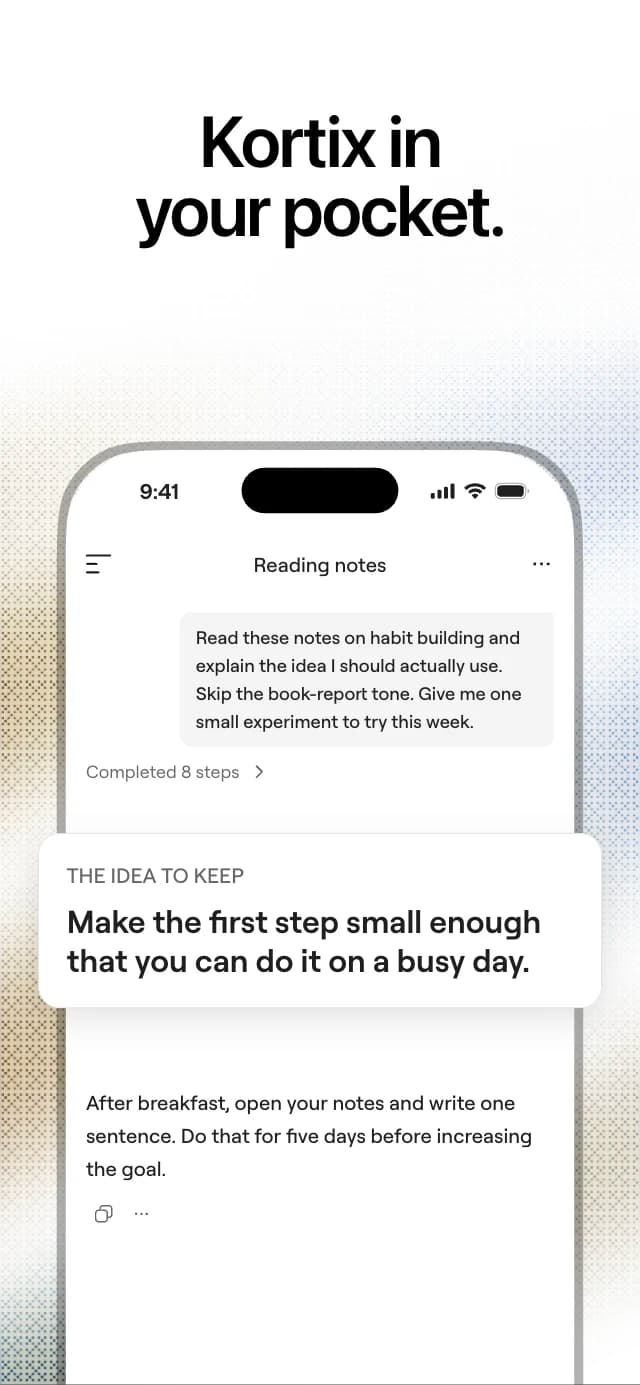
  • Dosco in your pocket: a session that turns reading notes into one small first step.
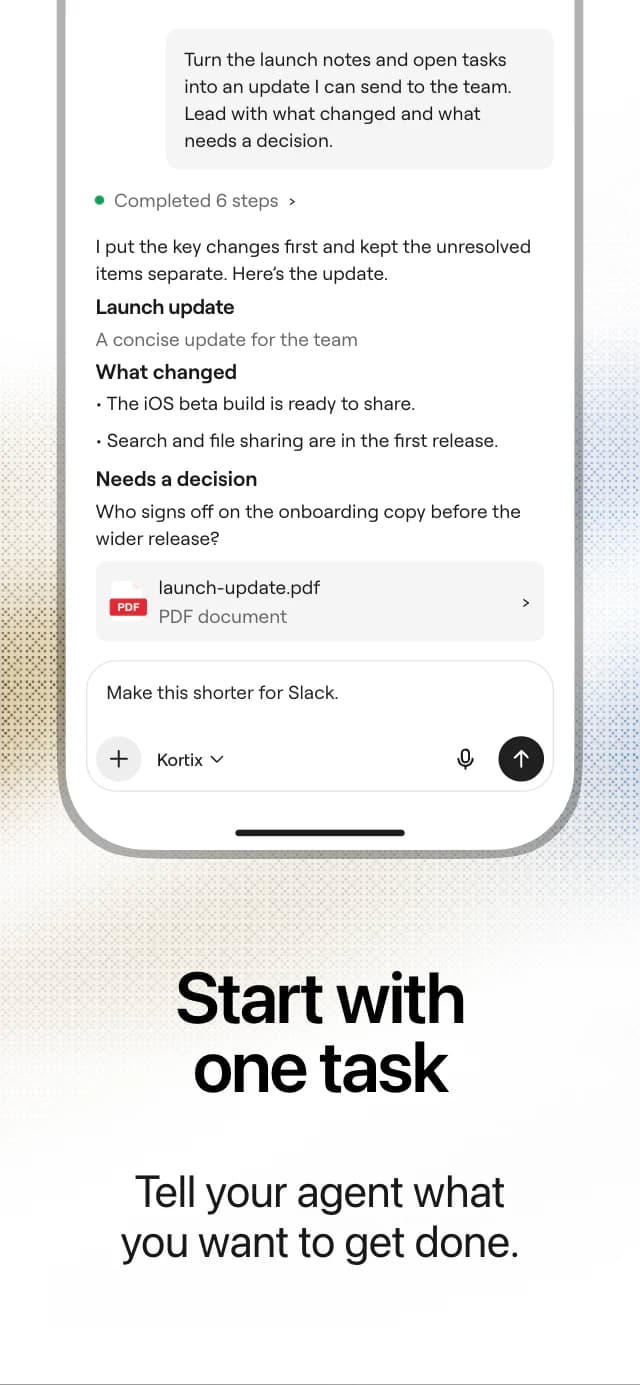
  • Start with one task: tell your agent what you want to get done.
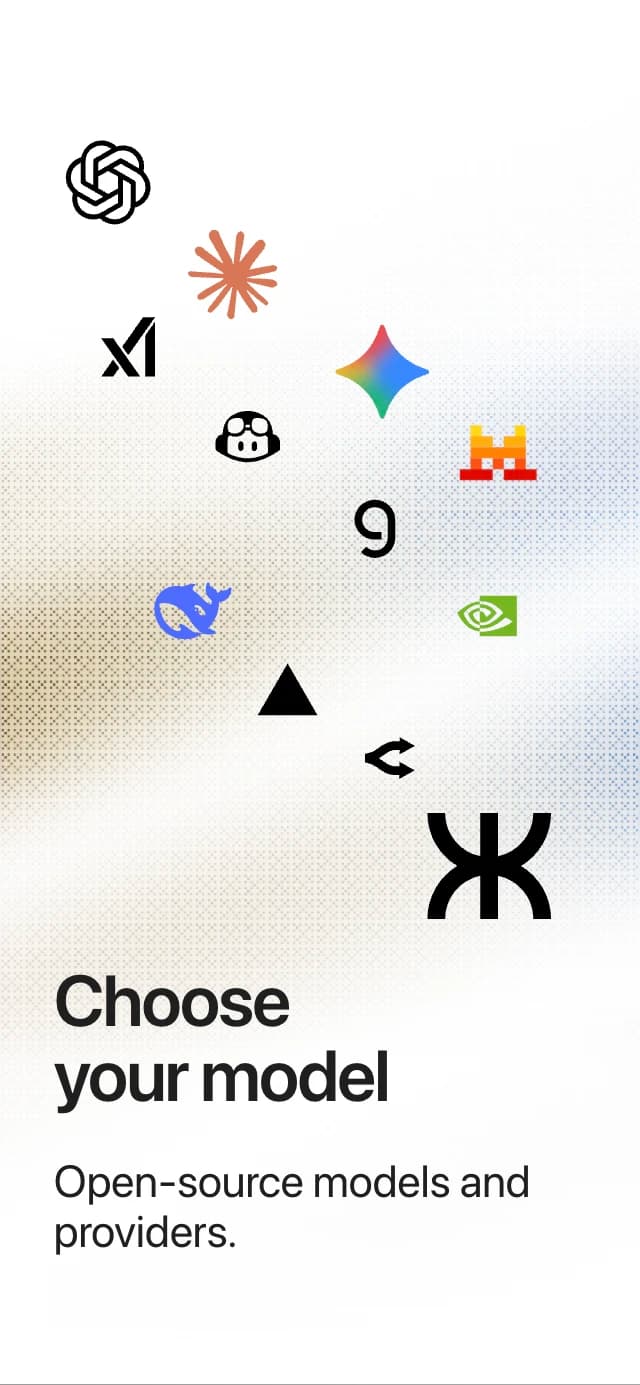
  • Choose your model: frontier AI models and providers.
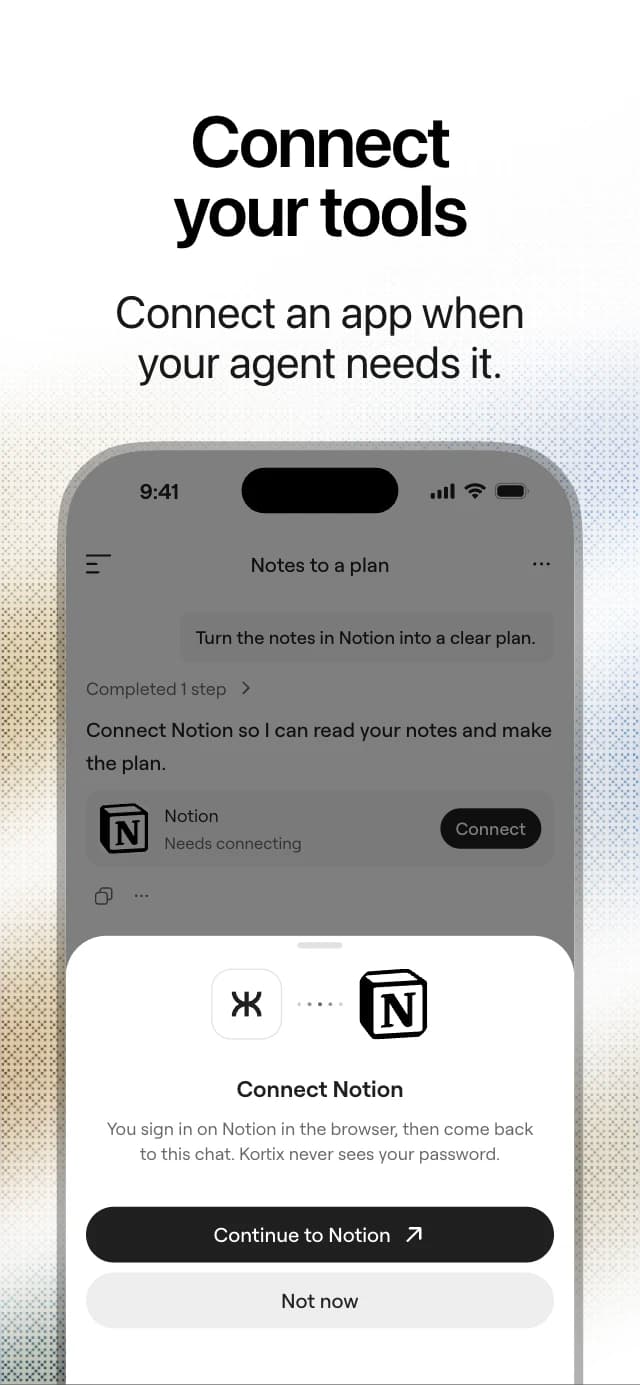
  • Connect your tools: connect an app such as Notion when your agent needs it.
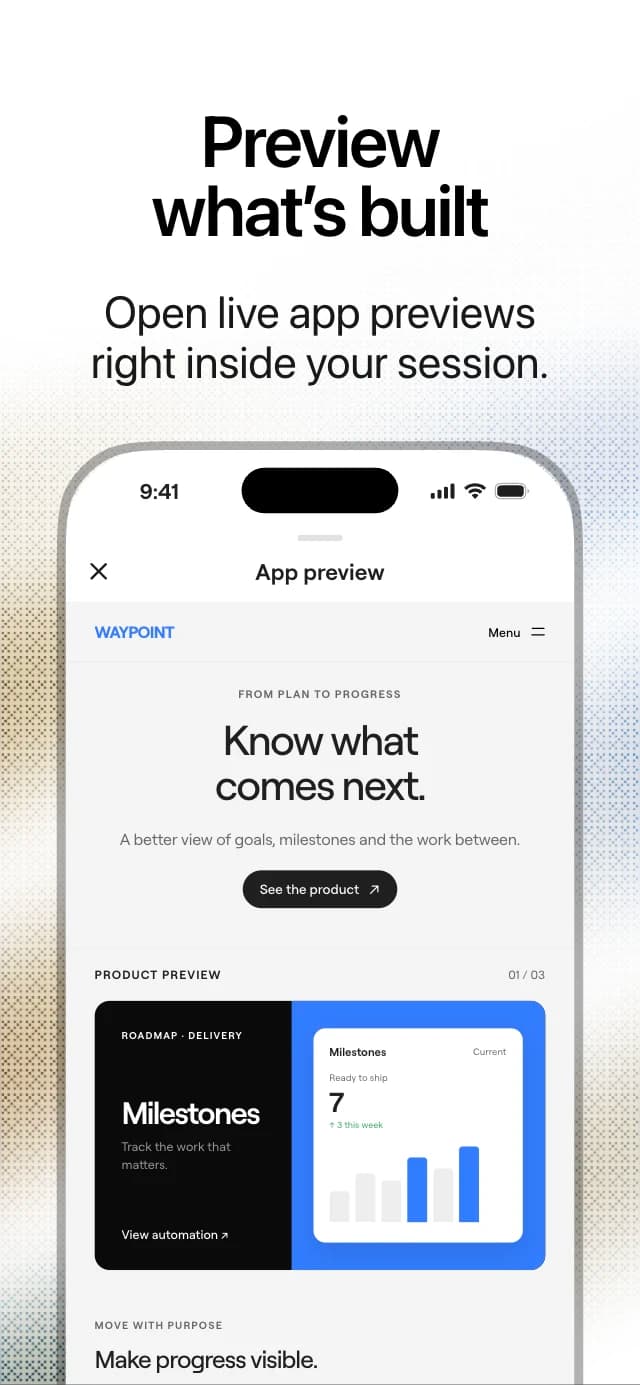
  • Preview what is built: open a live app preview inside your session.
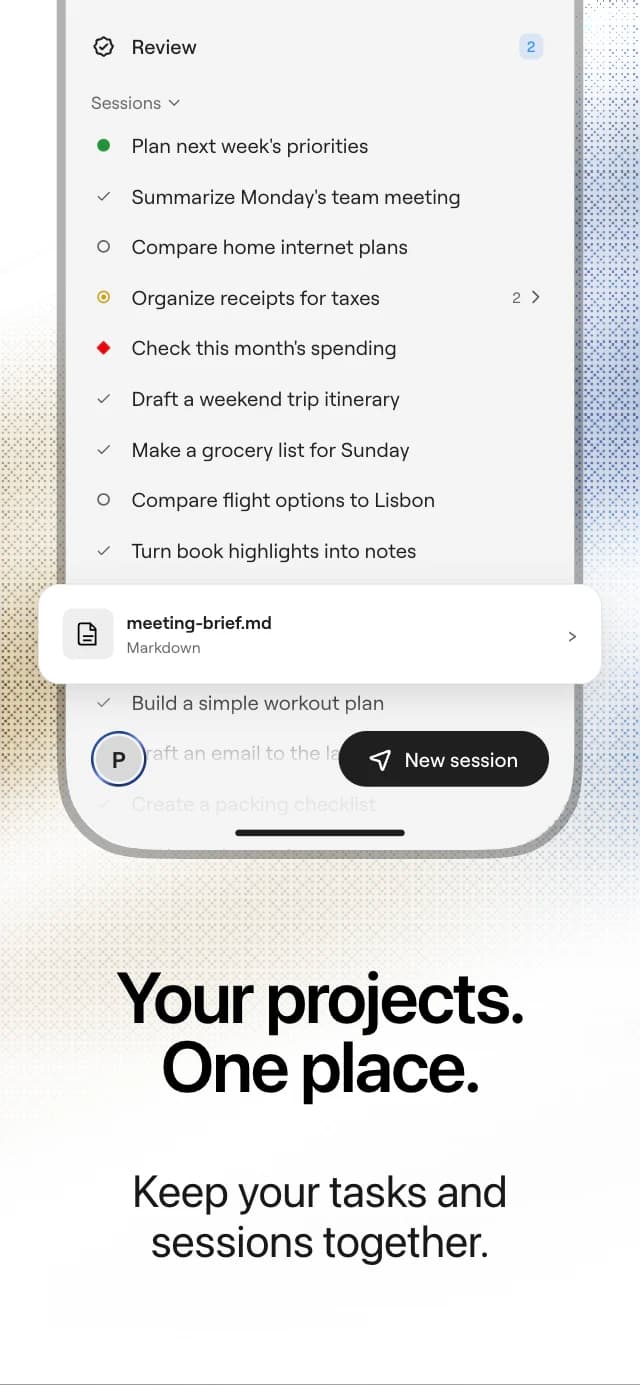
  • Your projects, one place: the session list with its status dots.

The app as it ships. Six screens from the App Store listing.

Your agents, wherever you are. Not a companion app. The sessions themselves.

  • Start anywhereType, dictate or attach.

    Open a project and start a session, with a photo, a file or your voice.

  • Follow it liveEvery step as it happens.

    Open a running session and watch the turn arrive.

  • Approve on the spotPermissions and change requests.

    Allow a step, or read a change request’s diff and merge it.

  • A push when it mattersNot a refresh.

    When a session finishes, fails, asks a question or needs a permission.

How the mobile app works.Four things you do from the phone.

Start a session

Open a project and type a task, or dictate it. Pick the agent and the model for the turn.

Attach a photo, a file or a picture from the camera. The agent works with it on its own cloud computer.
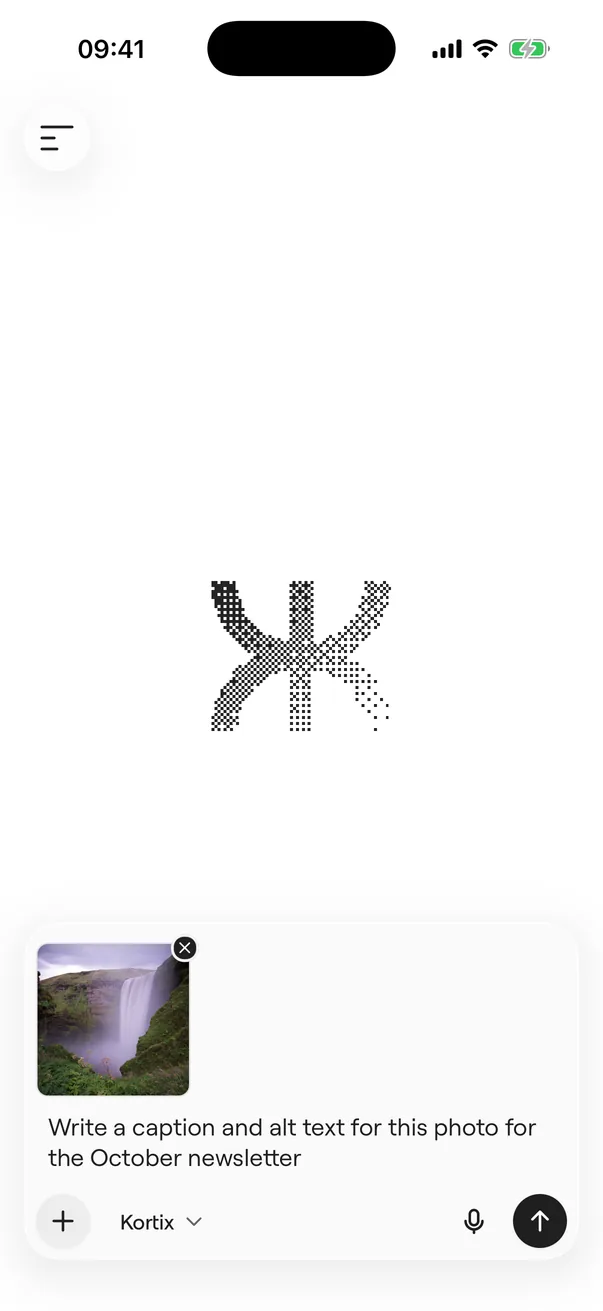
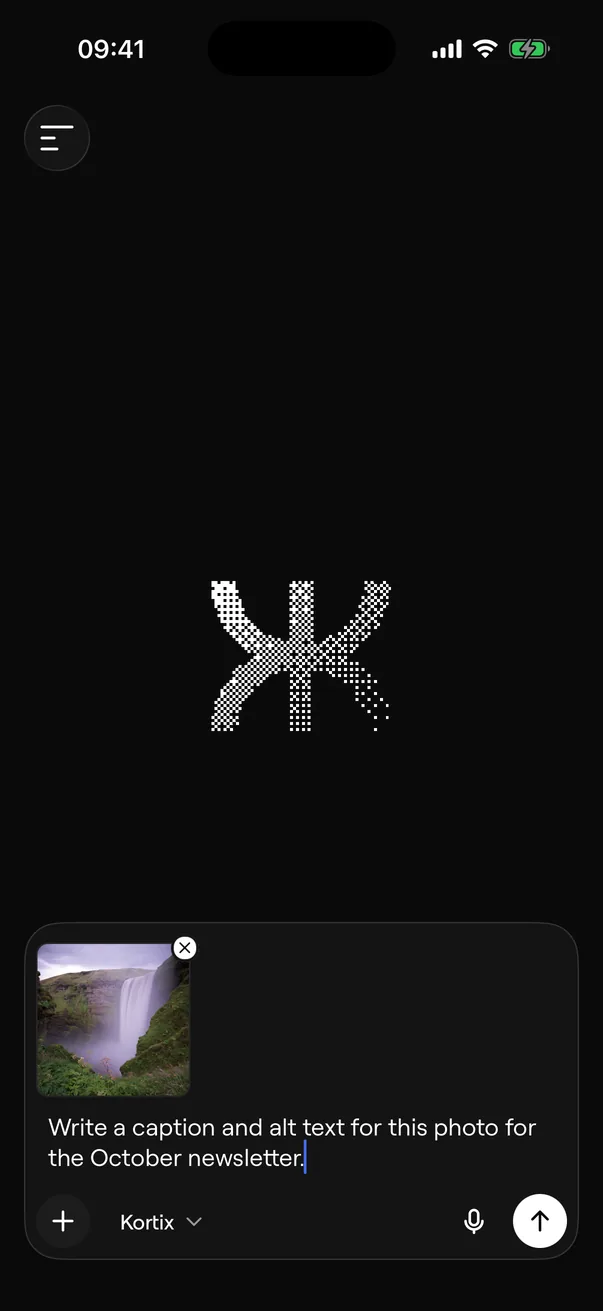
The Dosco iPhone app: a new session with a photo attached and a prompt typed in the composer.The Dosco iPhone app: a new session with a photo attached and a prompt typed in the composer.

Use it from anywhere. The same agents, files and sessions on every surface.

  • DesktopmacOS, Windows and Linux, with Quick Entry.
  • SlackMention it in a thread.
  • Microsoft TeamsChats, group chats and channels.

Questions.Answered from the code.

Anything else, write to the team.

Which devices does it run on?

iPhone and iPad with iOS 16.4 or later, and Android phones from Google Play.

Are these the same sessions as on the web?

Yes. The web app, the desktop app and the phone read the same projects and sessions. Start on one and continue on another.

Can I accept an invite on my phone?

Yes. Accept or decline an invite to a project in the app, then browse the project’s files.

How does the mobile app connect to my workspace?

The app securely connects to your Dosco account over TLS, streaming session updates, permissions and reviews directly from your cloud workspace.

Empower your company with agents that deliver finished work.Start today with real cloud compute and persistent drives.

Commencer

SSO, RBAC & audit · Any model, your keys · No seat tax

Dosco TekDosco Tek
©2026 Kortix

Produit

  • Sécurité
  • Enterprise
  • Compliance
  • Tarifs
  • Télécharger
  • Mobile

Resources

  • Guide
  • Documentation
  • Marketplace

Entreprise

  • Carrières
  • Marque

Connecter

  • Contact
  • Assistance
  • Conditions
  • Confidentialité
  • Subprocessors